Capturing Vitals at the Front Desk - MedKyo Walkthrough for Indian Clinics
See how the front desk or nurse captures patient vitals (BP, weight, height, SpO2, temperature) in MedKyo. Vitals attach to the visit and stay visible across all future consultations.
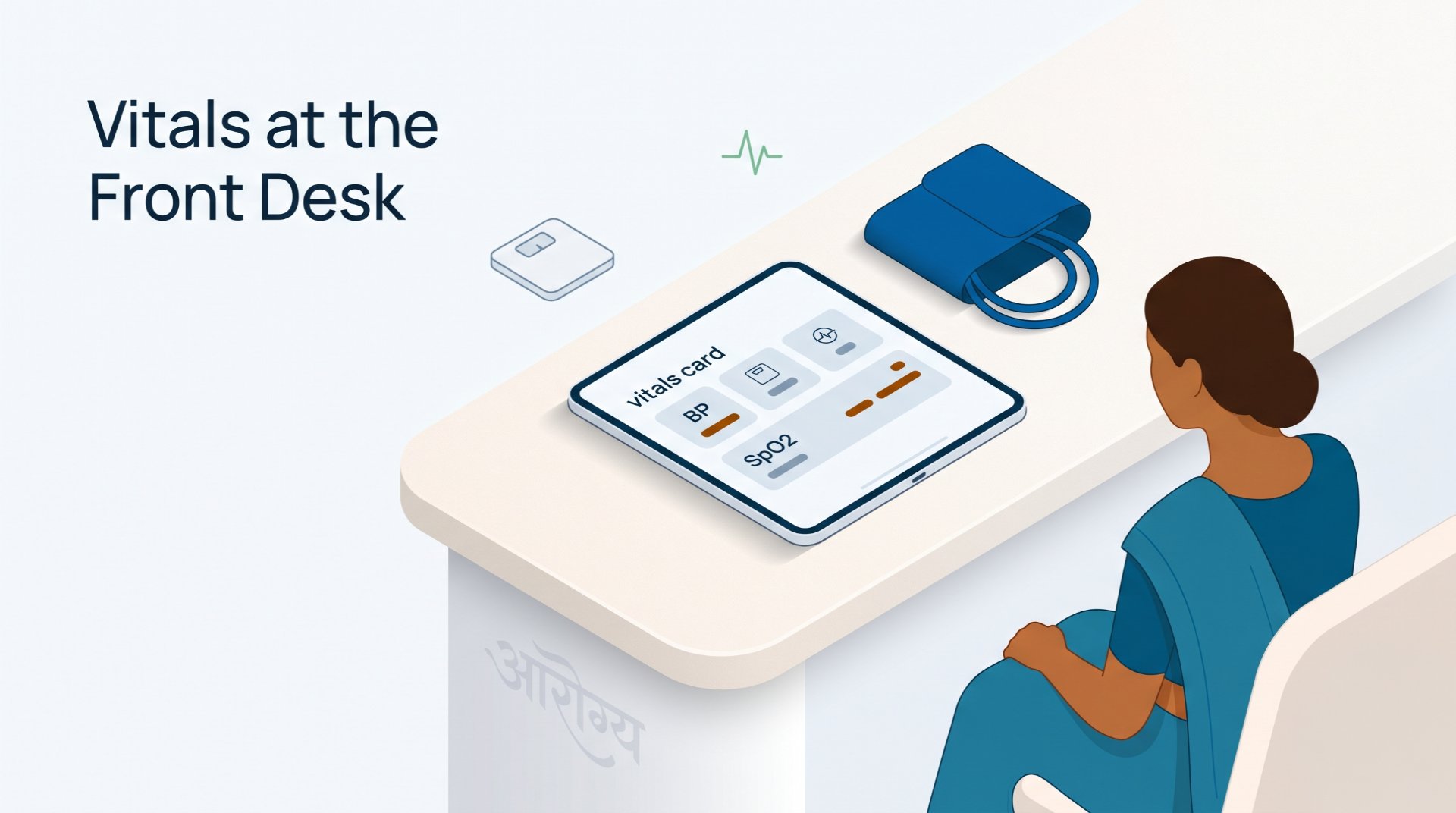
Capturing vitals shouldn't be a separate workflow. In MedKyo, the receptionist or nurse adds the patient's BP, weight, height, SpO2, and temperature when they walk in - and the doctor sees those numbers waiting on the consultation screen the moment they call the patient.

📺 Watch this section on YouTube → (chapter starts at 6:20)
What you'll see in this section
- Vitals form on the queue card (front desk captures before consultation)
- Standard vital signs: BP (systolic / diastolic), heart rate, weight, height, BMI auto-calculated, SpO2, temperature
- Optional fields toggleable per clinic
- Vitals attach to the visit and to the patient profile
- Past vitals visible as a trend in the patient profile
Why vitals capture before the consultation matters
When the front desk captures vitals while the patient is waiting, the doctor's consultation starts with the data already in front of them - not "let me call the nurse to take BP first." That saves 60–90 seconds per patient. Across 40 patients/day, that's an hour of doctor time recovered every shift.
Persistent vitals also matter for chronic-care patients. A diabetic on follow-up should be able to see their weight trend across the last six visits without anyone manually tracking it. MedKyo plots vitals as a chronological list in the patient profile so any doctor in the clinic can spot the trend at a glance.
Step-by-step walkthrough
- From the queue card: front desk clicks "Add Vitals" on a waiting patient
- Form opens with the standard vital fields
- BMI auto-calculates when weight and height are entered (no separate field needed)
- Save: vitals attach to the visit. Doctor sees them on consultation start.
- Patient profile → Vitals tab: every recorded measurement with date stamp, useful for spotting trends over time
Built for every clinic role and size
- Solo doctor: capture vitals yourself between patients. No nurse needed for the workflow to work.
- Multi-doctor clinic with a nurse: nurse captures vitals at the front desk. Doctor sees them automatically when consultation starts.
- Multi-location chain: standardised vitals capture across all branches - same fields, same units, same patient profile view. Continuity of clinical data when patients visit different branches.
Related
- See all features → medkyo.com/features
- Pricing → medkyo.com/pricing
- Watch the full demo (13 min) → youtube.com/watch?v=JlmNXUbGrbY
Get started
Try MedKyo free → - Free plan forever for unlimited patients. Upgrade from ₹999/month for AI prescriptions, GST billing, and WhatsApp delivery.
Page last verified: 2026-05-09. Features and pricing may change - see /pricing for the latest.
Ready to simplify your clinic?
MedKyo helps solo doctors and small clinics manage patients, prescriptions, billing, and queues — all from your phone. Start free, no credit card needed.
Get Started Free