MedKyo Dashboard Walkthrough - Clinic OPD Overview at a Glance (2026)
Walk through the MedKyo dashboard - the home view for Indian clinics. Today's queue, billing summary, sidebar navigation, and how doctors and receptionists each see what they need.
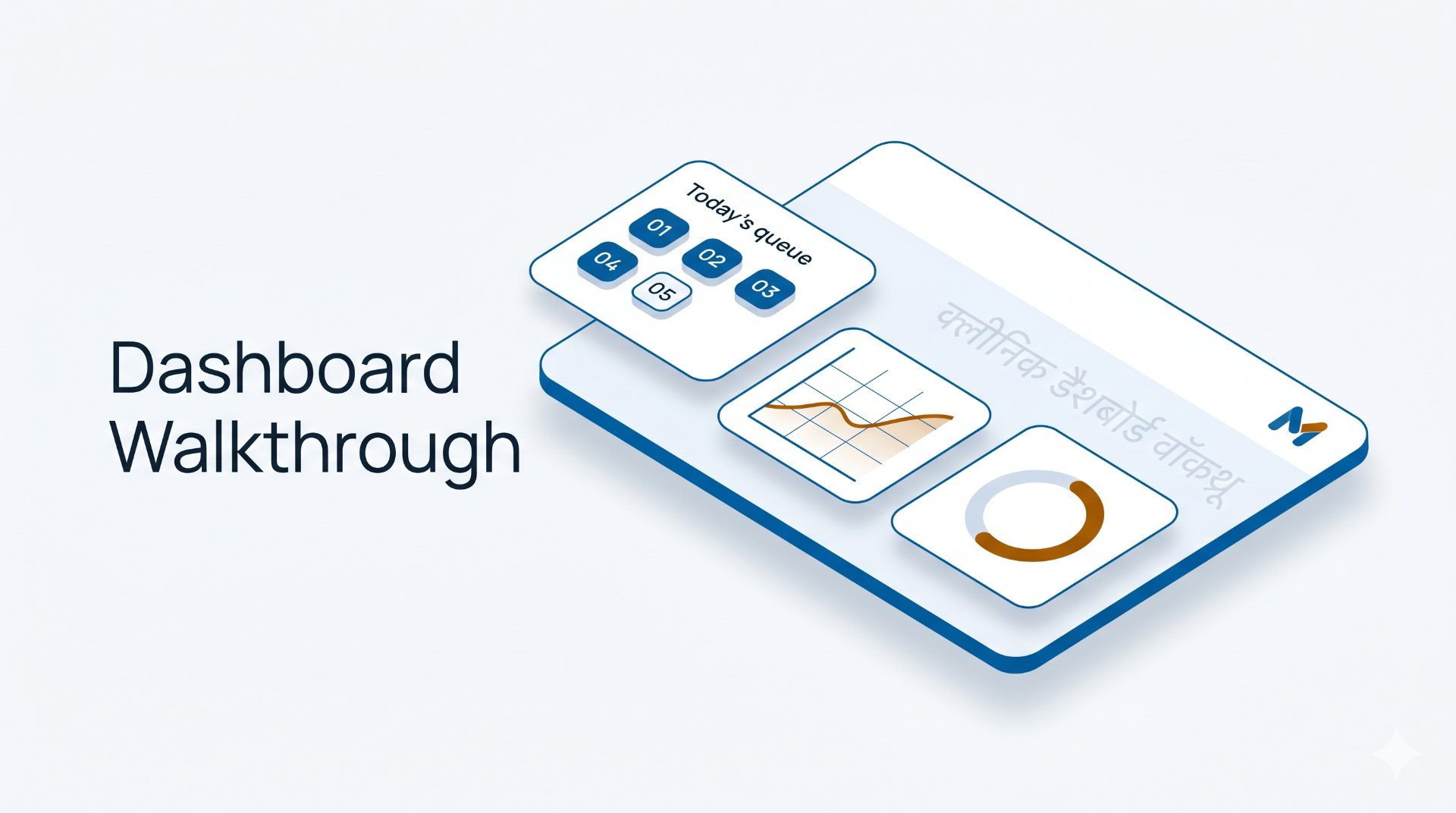
The dashboard is the first thing your team sees when they open MedKyo. It's designed to answer the question every clinic owner asks every morning: "what's happening today, and what needs my attention?"

📺 Watch this section on YouTube → (chapter starts at 0:20)
What you'll see in this section
- Today's queue snapshot - waiting, in-progress, completed counts
- Today's billing total + outstanding payments
- Quick-access cards for the most common workflows (start consultation, add patient, generate invoice)
- Sidebar navigation - Queue, Patients, Consultation, Billing, Analytics, Settings
- Role-based view: doctors see clinical sections; receptionists see queue + billing
Why a clean dashboard matters for an Indian clinic
A typical OPD sees 30–60 patients across a 6-hour shift. The doctor moves between consultations every 4–8 minutes. The receptionist juggles registration, queue updates, payment collection, and phone calls. There is no time to hunt through menus.
MedKyo's dashboard is built around the workflow each role actually does - not a generic admin panel cloned from hospital software. Open MedKyo, and within 2 seconds you know how many patients are waiting, who's next, what's left to bill, and where to click for the next action.
Step-by-step walkthrough
- Top of dashboard: today's date + clinic name (or current branch if you have multiple)
- Queue summary cards: Waiting / In-progress / Completed counts, updated live as the day goes on
- Billing summary: today's revenue + outstanding payment count
- Quick actions: "Add Walk-in Patient", "Start Consultation", "Collect Payment"
- Recent activity: last few visits, prescriptions sent, invoices created
- Left sidebar: Queue → Patients → Consultation → Billing → Analytics → Settings (collapses on mobile)
Built for every role and every clinic size
- Solo doctor: one user, one role, all sections visible. The dashboard becomes your "is the day going well?" check between patients.
- Multi-doctor clinic: receptionists see queue + billing only; doctors see clinical sections too. Shared patient database; each doctor's queue filtered to their patients.
- Multi-location chain: clinic switcher in the top-left lets the owner jump between branches. Each branch has its own dashboard. Organization-level analytics rolls up everything.
Related
- See all features → medkyo.com/features
- Pricing → medkyo.com/pricing
- Watch the full demo (13 min) → youtube.com/watch?v=JlmNXUbGrbY
Get started
Try MedKyo free → - Free plan forever for unlimited patients. Upgrade from ₹999/month for AI prescriptions, GST billing, and WhatsApp delivery.
Page last verified: 2026-05-09. Features and pricing may change - see /pricing for the latest.
Ready to simplify your clinic?
MedKyo helps solo doctors and small clinics manage patients, prescriptions, billing, and queues — all from your phone. Start free, no credit card needed.
Get Started Free