Multi-Clinic Management Software - How MedKyo Handles 1 to 50+ Branches
Demo of MedKyo's multi-clinic switcher - switch between branches in one click, manage patient databases per location, see chain-wide analytics. Built for clinic chains of any size.
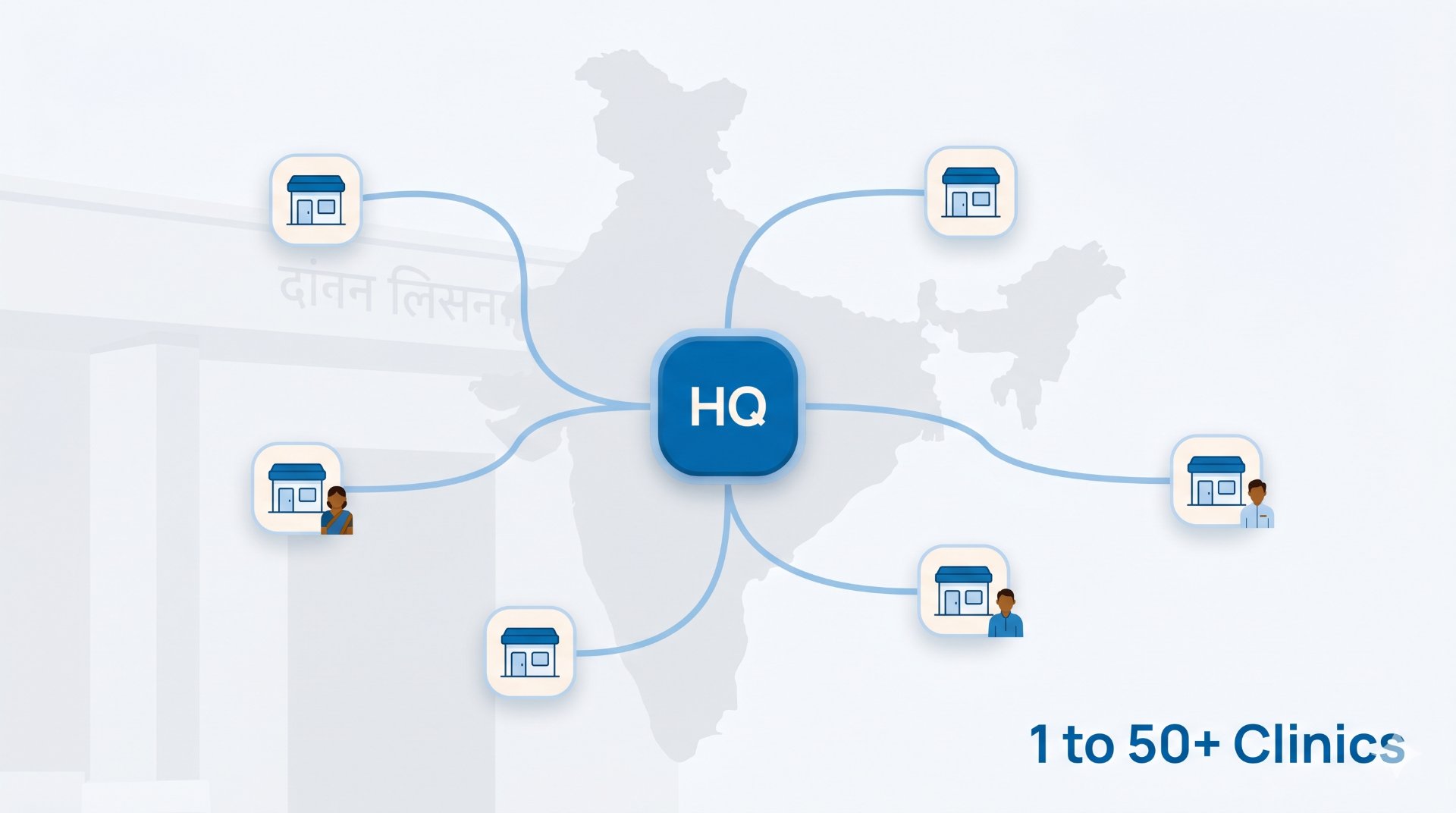
If you run more than one clinic, the question of "which branch am I looking at right now?" comes up constantly. Most clinic software treats every additional branch as a separate account, with separate logins and separate billing. MedKyo treats your chain as one organisation with multiple branches under it.

📺 Watch this section on YouTube → (chapter starts at 1:33)
What you'll see in this section
- The clinic switcher in the top-left of every screen
- One-click switch between branches (no re-login)
- Per-branch dashboard, queue, patients, billing
- Chain-wide analytics that roll up across all branches
- Add a new branch from settings - no separate signup
Why multi-clinic is built into the foundation, not bolted on
Many EMRs claim multi-clinic support but actually mean "you can buy multiple licences and log into each separately." That's not a chain - that's separate businesses sharing a logo.
MedKyo models a clinic chain the way it actually works: one organisation, multiple branches, shared patient records (when you want them), branch-specific staff, and a single billing relationship for the chain owner. Add a 4th branch and you don't sign up again - you click "Add Clinic" in settings.
Step-by-step walkthrough
- Top-left clinic switcher: shows current branch name + dropdown of other branches
- Click another branch: the entire app re-scopes to that branch - queue, patients, billing all switch
- Per-branch isolation by default: patient databases, doctors, and queue are branch-scoped. You explicitly choose to share patients across branches.
- Chain-wide analytics view: aggregated revenue, footfall, top diagnoses across all branches
- Add new branch: Settings → Organization → Add Clinic. New branch ready in under a minute.
Built for every chain size
- Solo doctor with 2 locations: maybe a main clinic + a satellite practice on weekends. Switch between them in one click without losing your auth state.
- Multi-doctor clinic adding a second branch: receptionists at each branch see only their own queue. Owner sees both. Patient records carry over if patient visits both.
- Multi-location chain (5–50+ branches): branch managers each have their own role. Medical director sees clinic-wide analytics. Single subscription that scales - no per-clinic licensing hassle.
Related
- See all features → medkyo.com/features
- Pricing → medkyo.com/pricing
- Watch the full demo (13 min) → youtube.com/watch?v=JlmNXUbGrbY
Get started
Try MedKyo free → - Free plan forever for unlimited patients. Upgrade from ₹999/month for AI prescriptions, GST billing, and WhatsApp delivery.
Page last verified: 2026-05-09. Features and pricing may change - see /pricing for the latest.
Ready to simplify your clinic?
MedKyo helps solo doctors and small clinics manage patients, prescriptions, billing, and queues — all from your phone. Start free, no credit card needed.
Get Started Free